Insights · guide
A five-minute XR smoke test before guests arrive
Drafted with Insight · edited by The WE ARE VR team
development
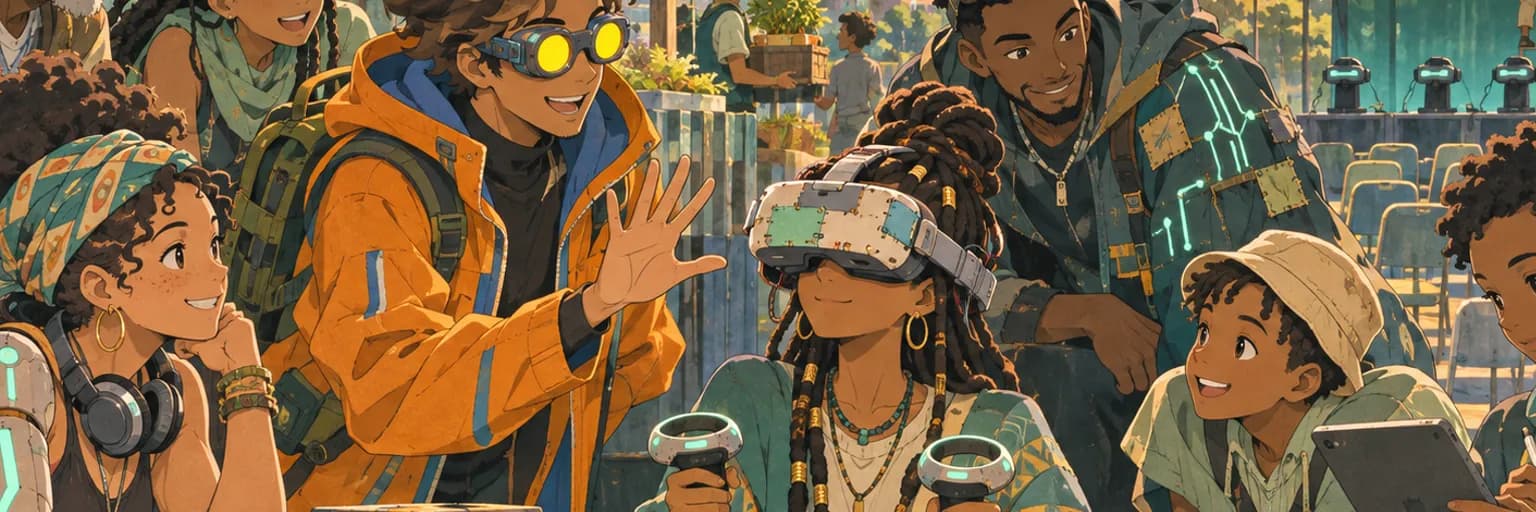
Five calm minutes before doors open can prevent an hour of public troubleshooting.
I wrote this because XR failures often appear after a working rehearsal. A power cycle, moved sensor or Windows update can quietly change the setup.
What's the problem?
An immersive experience can look ready while carrying one show-stopping fault.
The application launches, but audio plays through the laptop. The headset tracks, but one controller has disconnected. A previous guest's progress remains saved, leaving the next person halfway through the story.
These faults are easy to miss when several people share setup duties. One person checks the headset fit. Another checks the guest list. Everyone assumes somebody tested the build.
Jozi events add practical pressure. Gear may travel across town, then get assembled in an unfamiliar office, gallery or conference room. Lighting changes. Power gets unplugged. A venue technician may move a cable while organising the space.
A full technical rehearsal is useful, but you rarely have time for another one before every session.
What's the solution?
Run the same five-minute smoke test before guests arrive. A smoke test is a short check that confirms the main system works. It does not inspect every scene or interaction.
Test in this order: launch, tracking, audio, input, then reset.
First, launch the experience through the exact route your host will use. Avoid opening it from the Unity editor or a developer shortcut. If the host uses a desktop icon, test that icon.
Second, put on the headset and turn your head in every direction. Confirm that the view follows smoothly and starts in the correct position. If the floor feels too high or the menu appears behind you, stop and fix the boundary or starting orientation.
Third, listen through the guest's headphones. Check the opening sound and one spoken instruction. Venue speakers, monitor outputs and Bluetooth devices can steal the audio connection (computers enjoy choosing the least useful option).
Fourth, press every input needed during the first minute. Test both controllers, hand tracking or gaze selection, depending on your build. A working menu is not proof that the main interaction works.
Finally, complete the normal reset. Return the experience to its opening state without developer tools. Confirm that progress, position and instructions are ready for a new person.
At a small activation in Rosebank, for example, the build may launch correctly after transport. The smoke test could still reveal that Windows selected the venue monitor for audio. Finding that before the first booking takes seconds. Finding it while someone waits inside a silent headset feels much longer.
Keep the test written on one card beside the operator laptop. The habit is more dependable than memory.
What's next?
- Write five lines today: launch, tracking, audio, input and reset. Add the exact action required for your current experience.
- Ask someone who did not build the project to run the card. Rewrite any instruction they interpret differently.
- Use the card before one demo this week. Note the fault it catches, then update only that line.
Share your five-minute checklist with the Jozi XR community, or ask us about a stubborn setup fault.
The WE ARE VR team